Snip. Paste.
Combine. Compress.
Screenshots land as real PDFs in the folder you're standing in. A folder of files becomes one clean, searchable document. Heavyweight PDFs shrink to email size — and your originals are never touched. All of it lives in the right-click menu.
Get it on the Microsoft Store$4.99 · Windows 11 · no ads, no accounts, no analytics
Watch it happen — snip anything, it's already a PDF
Combine Pages — click the order, get one clean document
Compress — 14 MB becomes 2.7, and nothing bounces
Everything lives in your right-click menu
Snip to PDF
Drag a box around anything on screen. It lands in the current folder as a PDF — the step this app exists to delete.
Snip to PNG / Clipboard
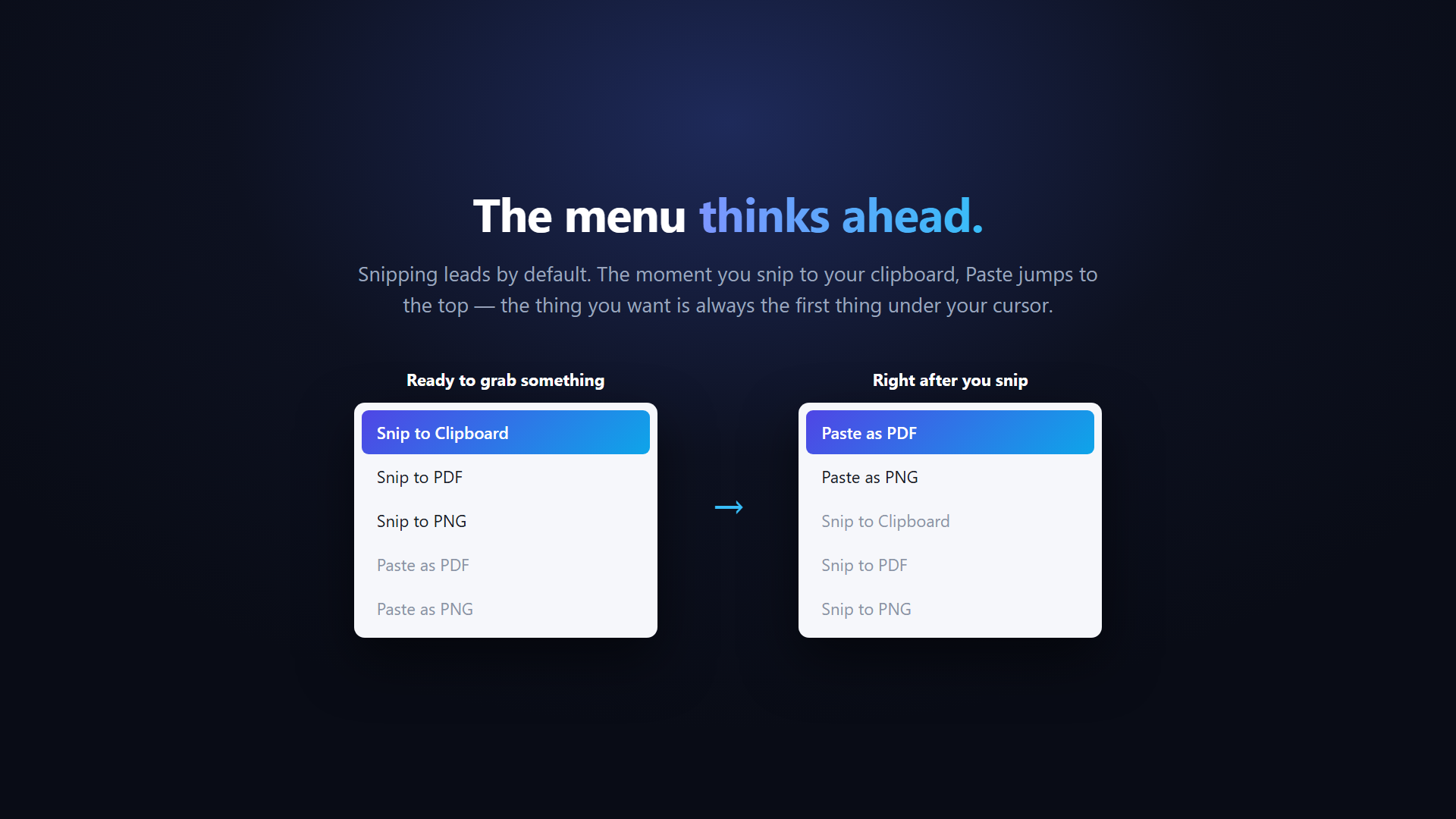
Same snip, saved as an image file — or sent to your clipboard to paste anywhere, started with your mouse instead of the keyboard.
Paste as PDF or PNG
Already have an image copied? Save it straight into the folder as a real file.
Combine Pages
Right-click the folder, click files in the order you want the pages, name it. Every page comes out the same size, and snips become searchable text — automatically.
Compress
Select the heavy PDFs, right-click, and smaller copies appear beside them. Text pages stay razor sharp, everything stays searchable, and your originals are never modified.
Honest by design
If a PDF can't get meaningfully smaller, Compress says so instead of handing you a junk copy. Duplicates get (2) — nothing is ever overwritten.
Quick name box
Enter keeps the suggested date name. Esc discards. Every save is named before it lands, so folders stay tidy.
Private by design
Runs entirely on your PC. No network access, no accounts, no telemetry. Privacy policy.
The menu thinks ahead